

How I Work: Capture Mode
The artifact you need is already inside the work you're doing.

This post is the first in what might become an occasional series: “How I Work”. Less “here’s a new pattern I’m seeing in the world” and more “here’s how I actually use AI.” Not all of it is glamorous, or with the potential to become a viral post, but it might change how you use AI. And that’s a win in itself.
This week, my colleague Pete Townson and I created a 44-page participant handbook and a 9-page facilitator’s guide for a course. Total time creating content: about two hours. If we did it the traditional way, it would take us two days. And no, we didn’t create AI slop.
Quite the opposite.
Not only was the creation faster, but the handbook is also better than what we would have written alone: there are comprehension checks we wouldn’t even consider adding, and plenty of fun facts that make using a handbook enjoyable.
Here’s how we did it.
The course
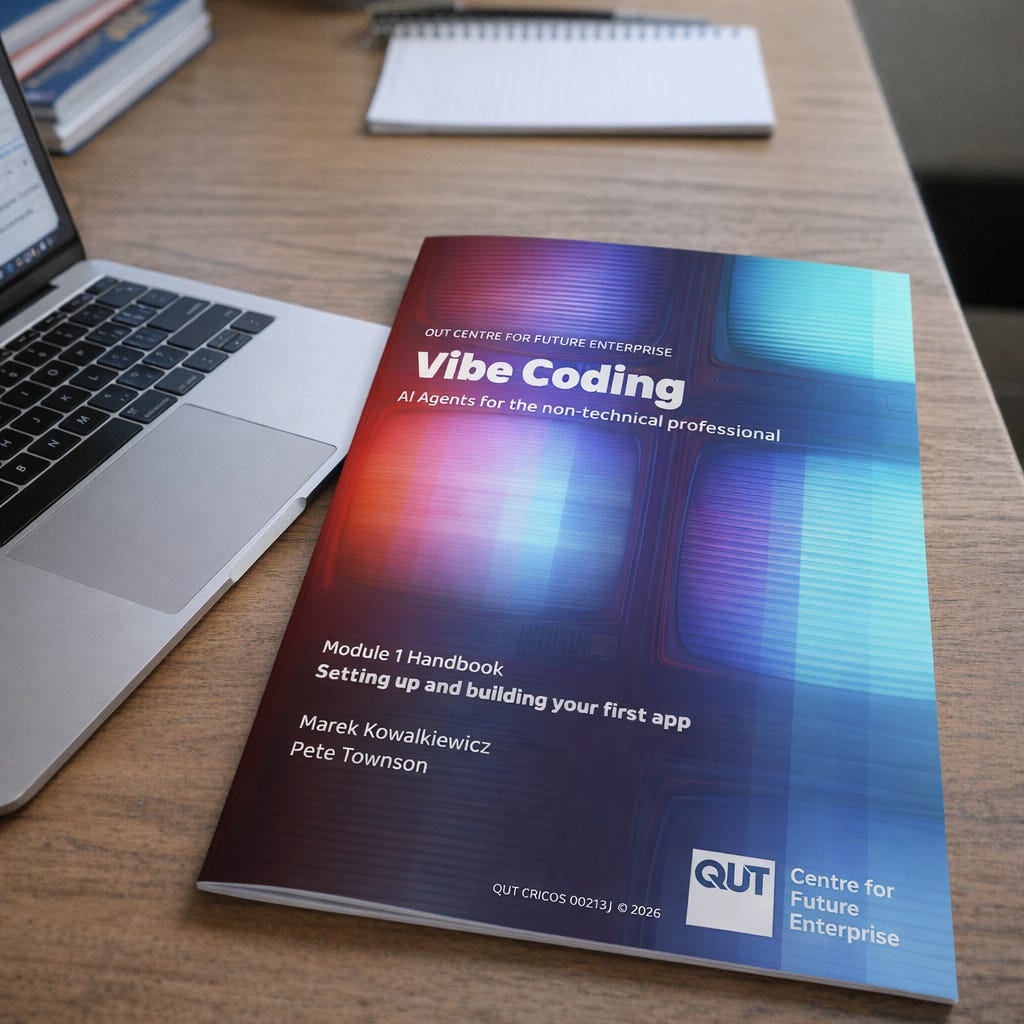
Pete and I are developing a course at QUT called Vibe Coding for the Non-Technical Professional. Vibe coding, briefly, lets you describe in plain English what software you want, and then AI writes the code. Powerful, occasionally dangerous, often frustrating, and increasingly accessible to people who couldn't tell you what a compiler is.
We want to offer the course to external participants. But because this is a complex, hands-on course, we need to make sure there are no issues that would be a show-stopper halfway through delivery. In other words, we need to test it before we launch it.
We design and test it module by module. The first module, “Setting up and building your first app”, is three hours long. Theory (yes, we need to talk about risks of vibe coding) plus a hands-on build (a simple weather app).
We had over a hundred people sign up for the test. With a room for about 20 participants, we definitely had enough of them for the first edition.
What we didn’t have on the day was a handbook. We knew we’d have to write it at some stage, but decided to try an unusual approach. We put on lapel mics and pressed record to capture everything we said in the room. Our hypothesis was that everything that belonged in a handbook was already coming out of our mouths.
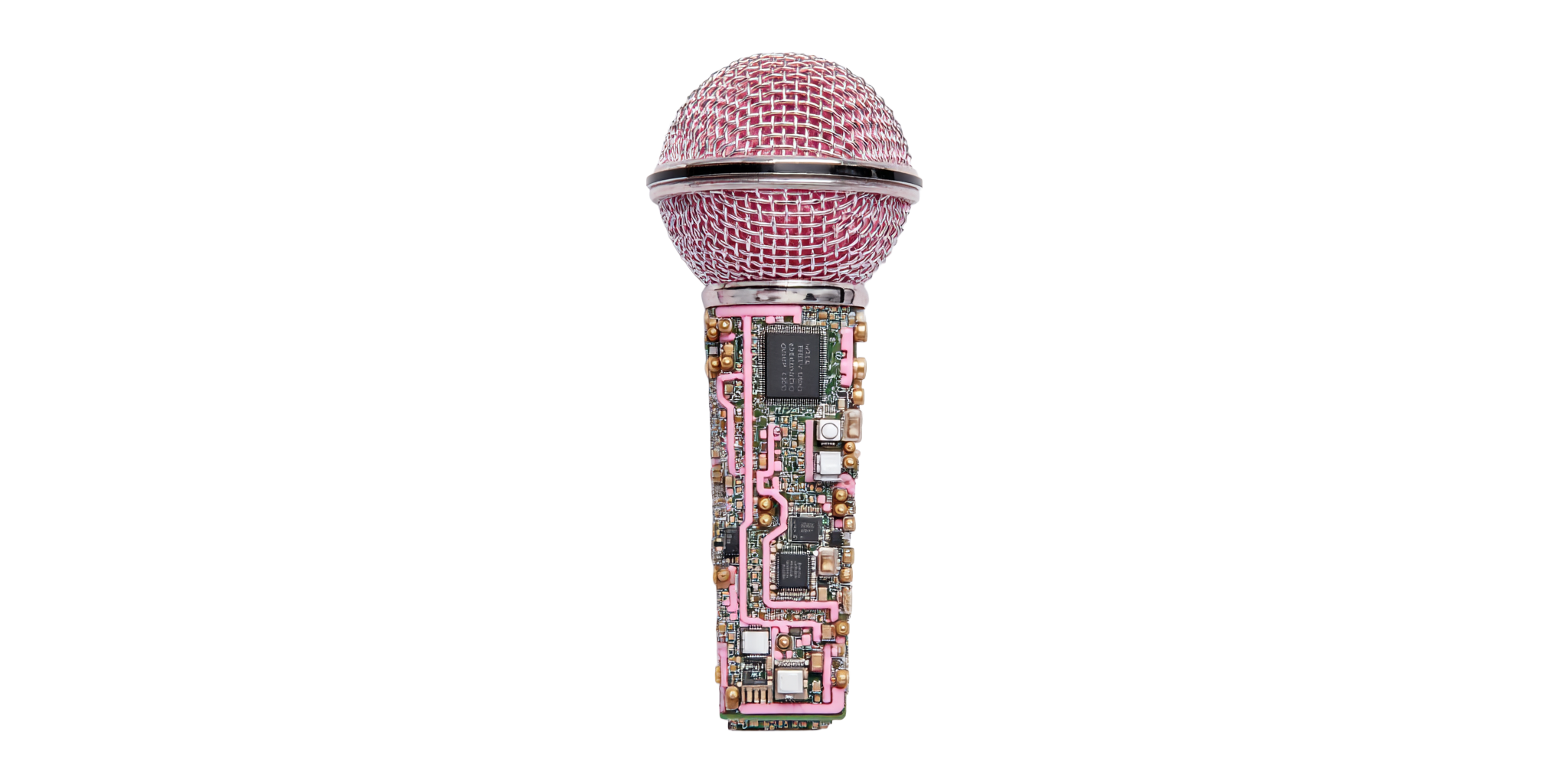
Half an hour in, my phone rang. iOS voice memos, it turns out, stop recording when an incoming call comes in. I didn’t notice until the workshop ended. I had thirty minutes of audio from three hours of teaching.
Thankfully, the course was oversubscribed, so we ran it again the following week (earlier this week). And this time I captured the full three hours.
The transcript
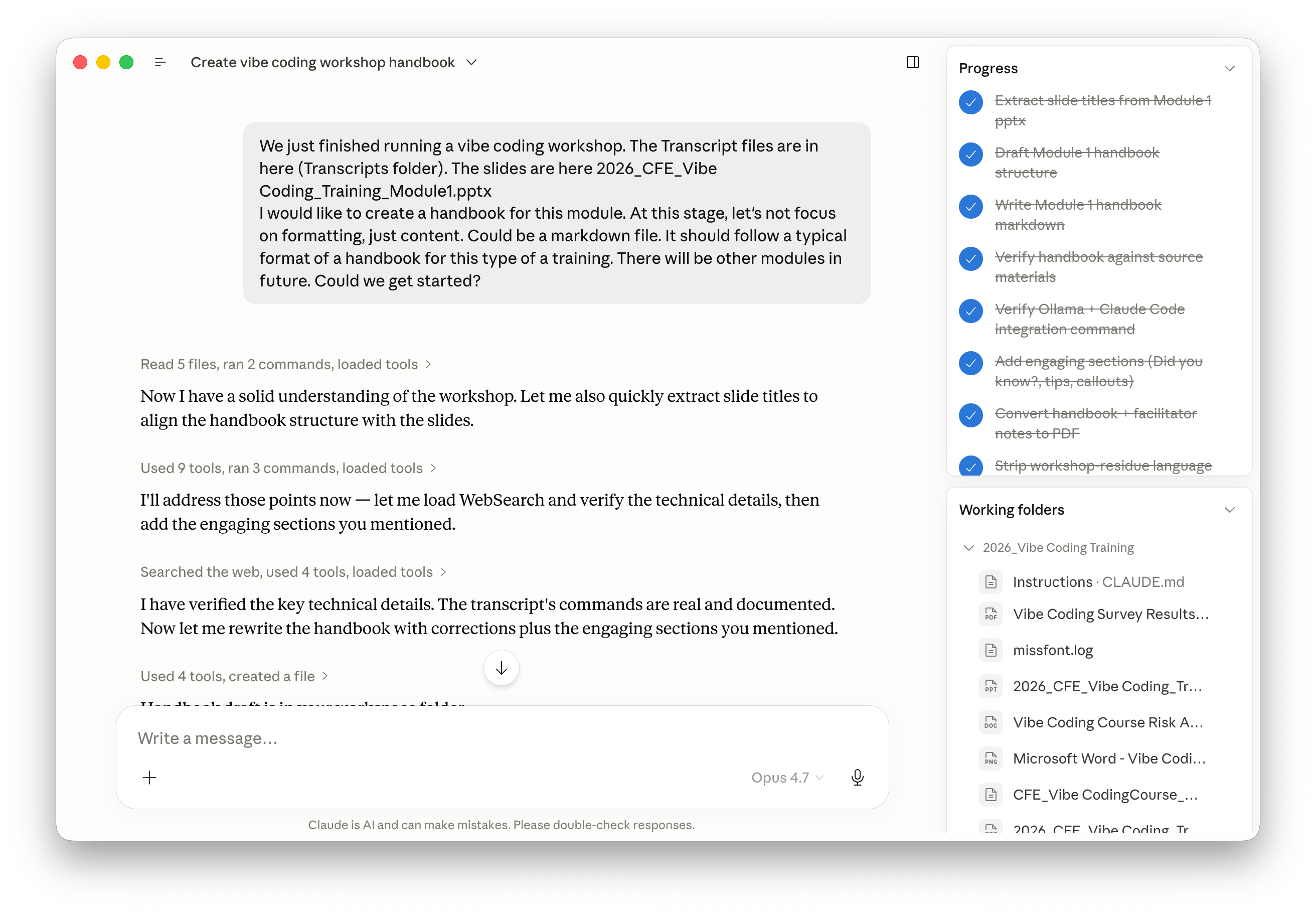
I transcribed the recording, opened Claude Cowork (Anthropic’s agent; a regular chatbot will do too), and gave it a prompt that boiled down to: “Turn this transcript into a participant handbook. All the usual things, whatever they are. Markdown only. Pete will handle design; we just need content from you.”
A few minutes later, Claude came back: “There are also facilitator notes in this transcript: the bits where you and Pete talk to each other, not to participants. Want me to extract those into a separate document?”
Yes. That’s how we ended up with two documents instead of one: a handbook, and facilitator notes.
The review
I spent about an hour on a first pass reviewing the documents. Mostly factual corrections. For instance, in the workshop, I’d told participants that a software installation command differed between Windows Terminal and Windows PowerShell. Claude wrote that it was a single command. I asked for it to correct it, and the bot argued back, citing documentation. I feel like a non-expert would concede here, but of course, I pushed back. I think it was unable to view the page and hallucinated. It responded with the usual “You’re absolutely right! I made a mistake.”
If I hadn’t known that the bot was wrong, the mistake would have made it to the handbook. Human expertise is still required. AI just changes what the work looks like.
What didn’t speed up
After Pete finished the design, I asked him: “Did this workflow create more work than starting from scratch?”
Pete responded: “No, absolutely not. The text styling was perfect. It just took time to do the image sizing and text placement. This was quite a bit of work. The usual.”
Markdown handled content beautifully and stopped at layout. Pete built the visual structure manually. So, the writing collapsed from two days to two hours. The design took its normal time. (We’re playing with Claude Design now, so I might have an update here soon.)
Net massive win, but the gain is uneven.
AI captured what was already latent. Design is new work: not in the transcript.
Talking to a bot in future
During the workshop, Pete and I occasionally spoke to the bot that would read the transcript later. “Bot, make sure those dashes are in the right place in the install command.” Which is an interesting change of behaviour.
I remember how, at a completely different workshop that we were also recording, a participant drew a diagram on the whiteboard at one point. I narrated it aloud: “Hey bot, Lucy just drew three boxes connected by arrows…” so our AI agent would later “see” what the room saw. You start talking to the invisible participant who will be processing the information later. This is literally prompt injection into transcripts.
This is literally prompt injection into transcripts.
New work style: Capture Mode
So, what’s my point? We didn’t ask AI to write the handbook. We asked it to capture the handbook we’d shared with our participants, just in a different format (we “spoke the handbook”). The artifact existed before we even opened Claude: in our teaching, our anecdotes, the slides, the questions people asked in the room, and our answers, and in the moments when someone got stuck and we helped them solve the issue. AI just extracted it into a different format.
We ‘spoke the handbook’.
I’m calling this Capture Mode. And it’s become a verb in my team. Often, when we meet for an important conversation, someone asks, “Are we capturing this?” We know there’ll be a good use for the recording.
Once you have the Capture Mode lens, the pattern is everywhere. Anyone who teaches is producing handbooks during a class. Anyone who sells is producing proposals during the sales call (commitments, scope, timelines). Anyone who leads board meetings produces board papers during the discussion itself. Anyone who diagnoses or debugs is producing incident reports while they work.
“Are we capturing this?”
And it scales beyond documents, too: in a recent project, we turned workshop transcripts into a working simulator of an organisation’s decision-making, fancy visuals included. But that’s for a different post.
The value is in the boring
Earlier this week, I gave a keynote to a room full of governance professionals: board directors and secretaries. They loved it. The conversations afterwards were really good - I was approached by many directors who said their thinking about AI has changed after my speech. But there was one thing that still bothers me. Most of them said something along the lines of: “Marek, this was fantastic. Now I’m absolutely terrified.”
That’s not the reaction I want to leave people with. I’m a possibilist. I think the technology is, on balance, extraordinary. The reason it’s hard to feel that way right now is that the doom economy is loud. Everyone (including me) talks about agent disasters, runaway pricing, hallucinated legal cases, and more. Those stories deserve coverage. But, and that’s what I realised this week, and that’s why I am writing this post, they’re drowning out the boring, valuable uses.
You might think “capture mode” is boring. We simply used tools available to everyone to massively speed up the creation of training materials and improve their quality. But that’s exactly why this story is so exciting. It translates easily into so many other types of artifacts we create.
A question for you
I’m experimenting with this format: a “how I work” walkthrough rather than a pattern essay. Worth doing again?
P.S. Worried about sending sensitive transcripts to a US AI company? The whole pipeline I described here can run locally on a decent Mac mini, using a Whisper transcriber and a local LLM. It’ll be slower, and your computer will run hot! But it’ll work. Reply if you’d like that as the next “how I work” post.
I would really appreciate more practical examples like this. When I saw the title of this post, I was immediately drawn to it and read it with great interest. I find it valuable to see practical ways we can use AI tools in our work and projects. I often watch YouTube videos and browse forums to learn how others are making good use of AI.
Capture Mode = Gold.
More How I work please :)
Thanks for being you.
-Ben Christensen